On Deck: Chatter for SharePoint 1.7.1.0

Hi Everyone. As you may have noticed I’ve spent the last several weeks finishing and releasing other SharePoint solutions on the blog. It certainly has been busy, and the feedback has been great – keep it coming.

Wanted to spend a few minutes to bring you up-to-speed on the next release of Chatter for SharePoint. This build will continue to evolve existing features and add some requested functionality. Also trying to hit a few backlog items – we’ll see how far we get.

New features in 1.7.1.0 include:

  • Ability to Share posts
  • User Profile Sync with Chatter (Photo only; SharePoint 2010/1013 Standard/Enterprise with User Profile Service configured)
  • New Read-Only mode (can be set per web part instance)
  • New option to disable file uploads from the web part (can be set in web.config or per web part instance)
  • New option to disable the ‘Share on SharePoint’ feature (can be set in web.config or per web part instance)
  • New site-scoped feature to enable/disable the ribbon integration components
  • New evaluation code and in-app license purchasing
  • Minor fixes

Still in the design-phase is the User Profile Sync with Chatter. Hoping that makes it into this release. The first version of the User Profile Sync timer job will be included in this release. At this time the only profile field which is editable from the REST API is the user’s photo. Hopefully that will change in the future. New and changed photos will sync automatically with SalesForce Chatter.  The new read-only and ‘feature-disable’ functionality is useful if running the web part on a public site or to provide simple feed data without the interactive capabilities.

Not seeing a feature you would like in the solution? Let me know and it could be in a future release. Thanks for using Chatter for SharePoint!

NEW: Enhanced Web Part Settings

Hi Everyone! I have another cool (and free) solution to share with you: The Enhanced Web Part Settings. This solution is based on a blog I read a few years back on how to change the behavior of the web part properties panel. Normally when you edit a web part the panel opens to the right of the layout – and pushes everything to the left. It is also fixed to the top of the page – so if you are editing a web part that is lower on the page you will be scrolling a bit. I never liked this behavior and when I started designing fixed-width Intranets I realized I needed a better solution. So I found the work of blogger ‘jenyayel’, tweaked it a bit and have been using it ever since. This solution moves the web part properties panel into a modal window – making it easier to see and edit the settings. It also looks a lot nicer than the native experience and works great for fixed-width Intranets. I have found it useful – I hope you do too.

Click here to download the Enhanced Web Part Settings solution.

Above: The Enhanced Web Part Settings solution in action.

Coming Soon: Site Owner for SharePoint 2010

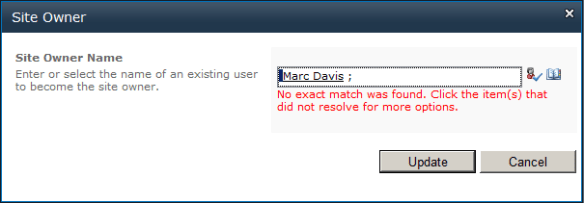
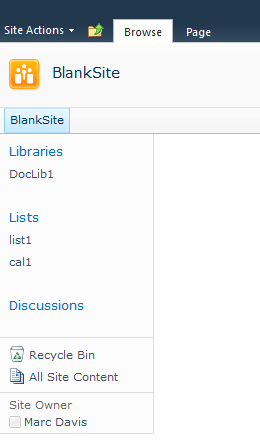
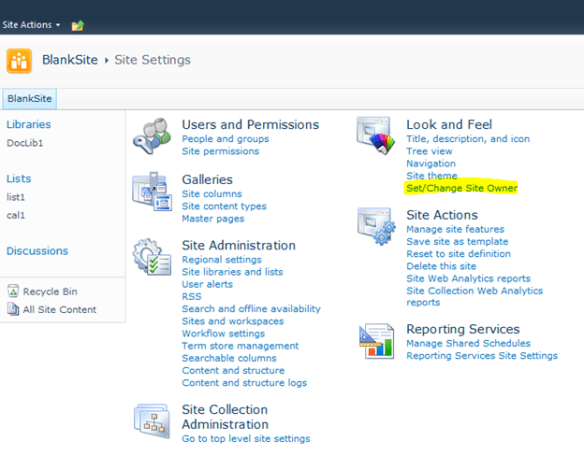
Hi Everyone. Work is nearly complete on the Site Owner control for SharePoint 2010. This solution will allow administrators to designate one user as a site’s ‘Owner’. The owner’s name will appear on each page at the bottom of the left-navigation (see screenshots below). The left-nav was chosen as it should be present on most intranet layouts. We’re inheriting the CSS of the left navigation too – so if you’ve branded your site the control will honor it. Also thinking about offering another spot to display the Owner’s name – or providing variables where you can plug the name into your branding as you see fit.

Looking to release the first version this week. A 15 day evaluation will be available. The solution will be priced at $20 per farm – very reasonable.

Some early screenshots:

The Site Owner settings in Site Settings

The Site Owner Settings Modal

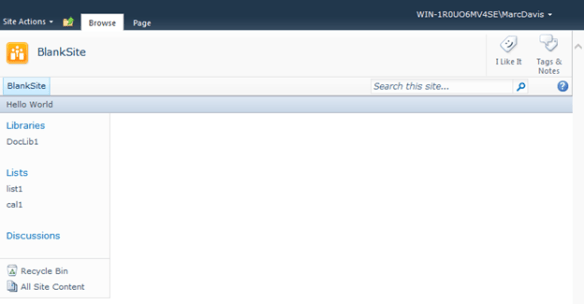
The Site Owner control on a Blank Site

The User Name in the control is a hyperlink to the user’s My Profile page. If you have LCS/OCS installed in your AD (and are syncing the SIP Address) the control will show extended SIP information as well. You can also remove the Site Owner by going back into the settings page and clicking Remove (not shown).

I’m also going to provide some PowerShell goodness that will produce a report of all your Site Owners and an optional feature to force admins to specify a Site Owner when creating a new site.

As always I welcome feedback and suggestions. Look for the first version of the Site Owner control on the blog soon!

Coming Soon: System Messages for SharePoint 2010

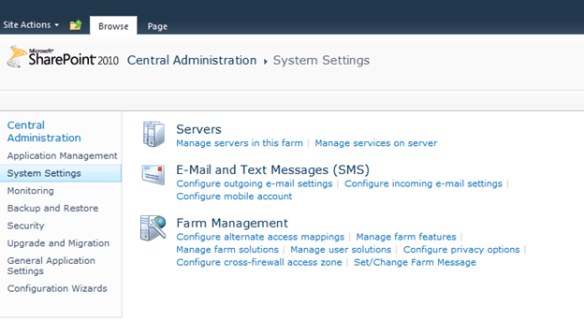
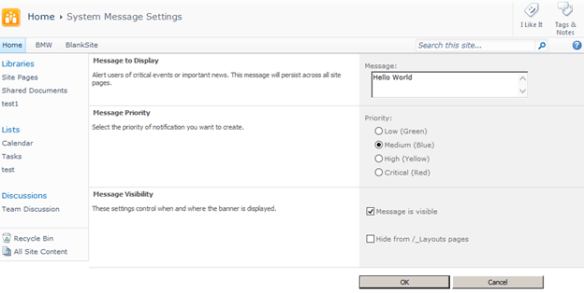
Hi Everyone. Based on feedback and requests I have begun work on the System Messages solution. This feature allows Farm and Site Collection Administrators to set either Farm-wide or Site Collection specific banner messages. The solution leverages the native SP.UI.Status API to render the banners. The messages can have one of four priority types: Low (Green), Medium (Blue), High (Yellow) and Critical (Red). The messages can include HTML markup like anchor tags so you can link to other pages within the banner. Farm and Site collection messages can co-exist and will default to the highest priority for display purposes. Site collection admins can edit the System Messages from the Site Collection Administration settings and Farm admins can set farm-wide messages from Central Administration.

Some screenshots:


Set/Change Farm Message in Central Administration

The System Message Settings Page


A medium level message on a blank site

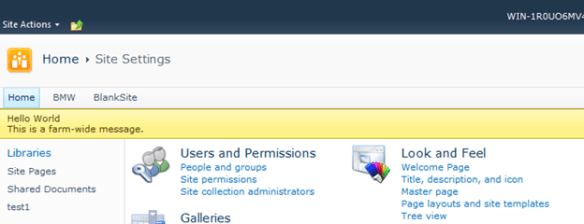
A Site and Farm message visible at the same time. The Farm message has the higher priority.

Looking to release the solution by the weekend. Pricing will run $20 per farm. A 15 day evaluation version will be available. The solution will be ported to both 2007 and 2013 in the near future. Thanks for the comments and feedback. I hope you will find this solution useful.

Enhanced Document Upload 1.1 Released!

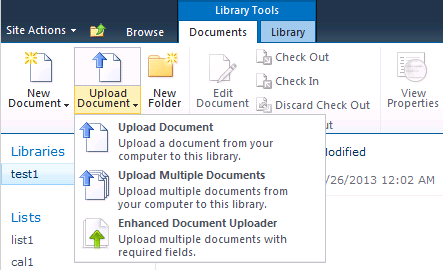
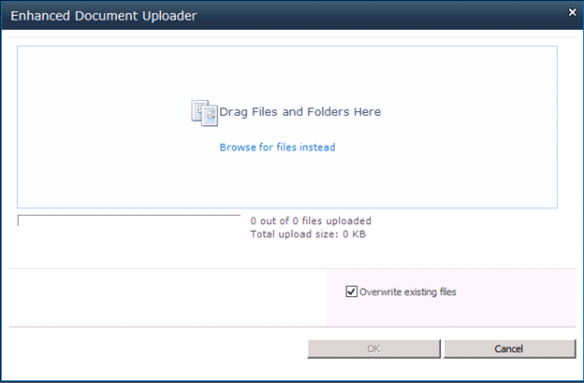
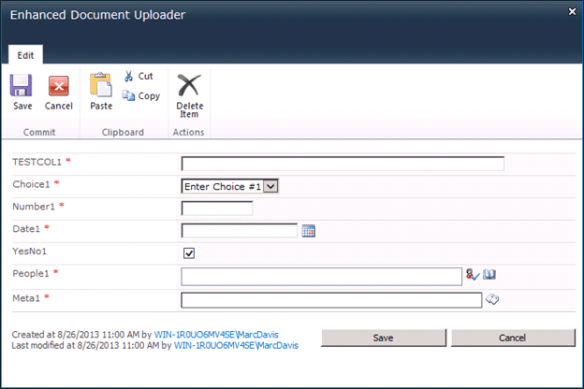
Hi everyone – busy week here. Wanted to end it on a good note with the release of the first update to the Enhanced Document Upload solution. Along with minor fixes, I’ve included the Common Properties Editor which will allow users to edit the common properties of selected items in document libraries. This is a natural extension of the existing features and I hope you find it useful.

Happy Labor Day everyone. See you next week.

Chatter for SharePoint Version 1.7 Released!

Hi everyone. Version 1.7 of the Chatter for SharePoint solution is now available on the blog. Please see my earlier posts and the updated documentation for details on the new features and fixes. One additional fix is included to address reported issues when using SAML/Claims based authentication.